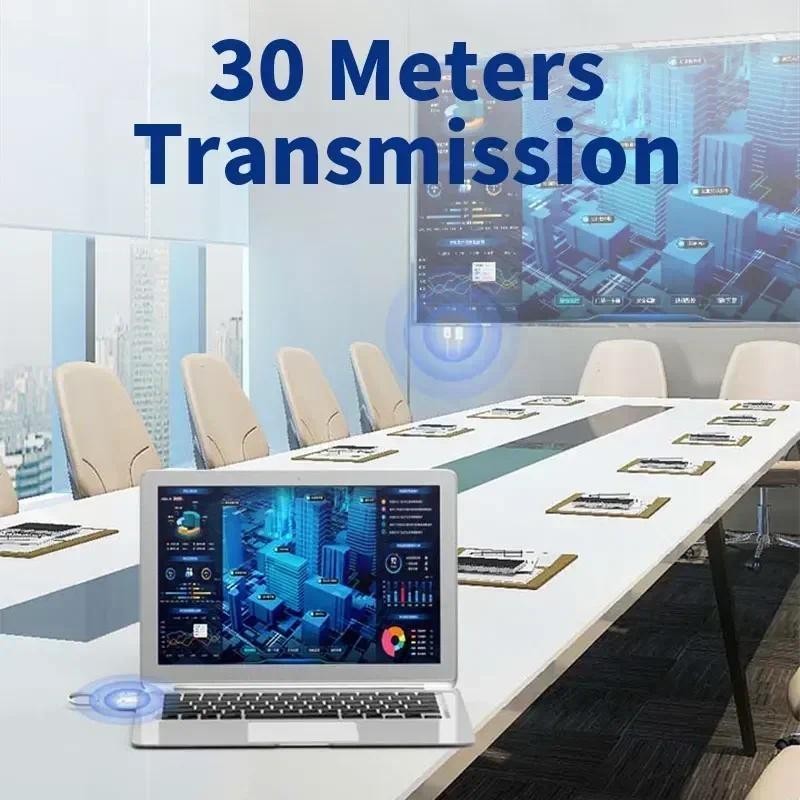
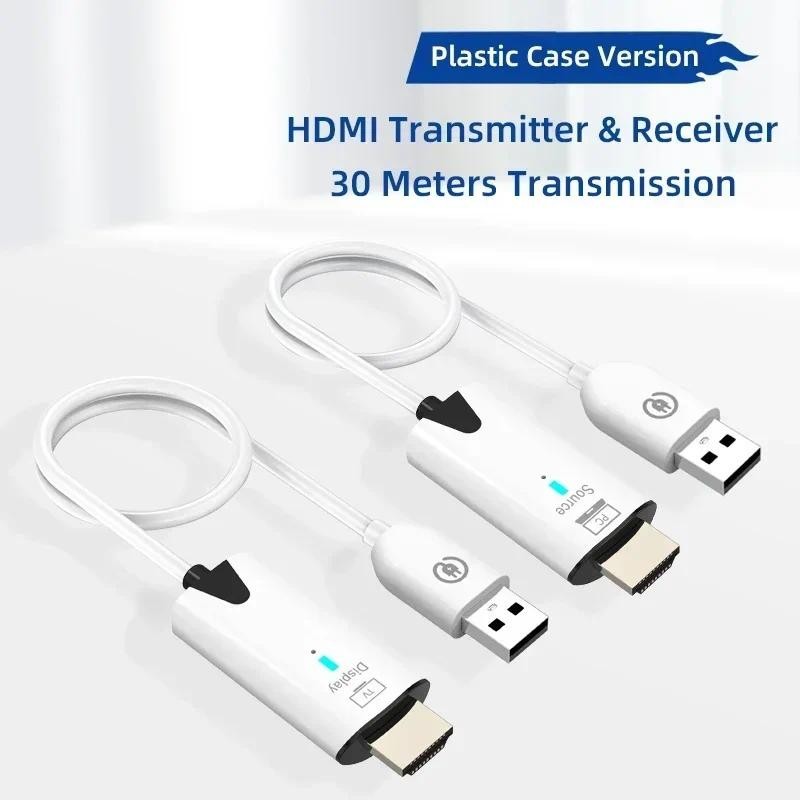
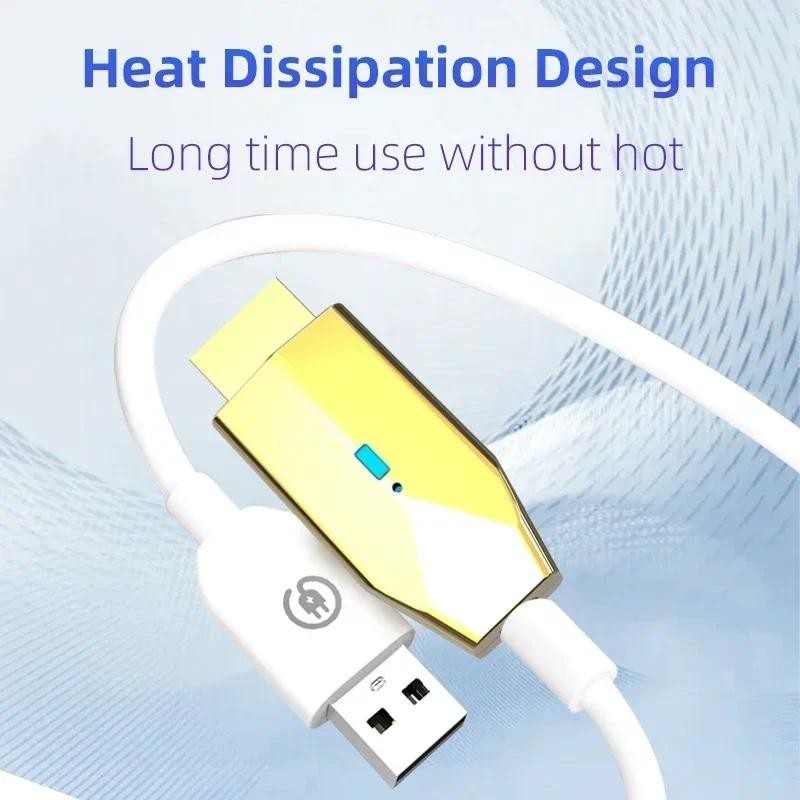
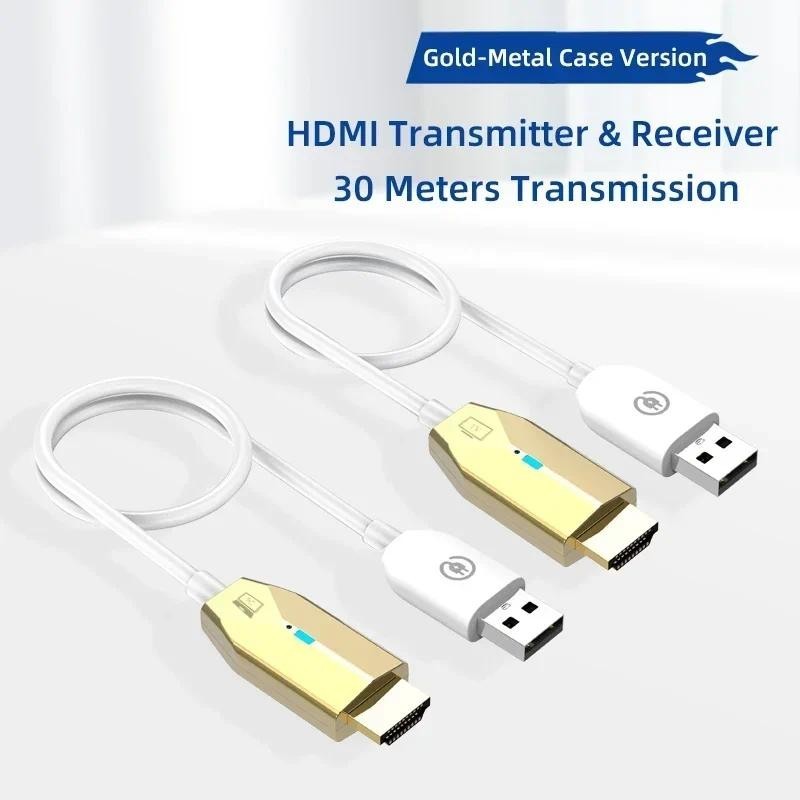
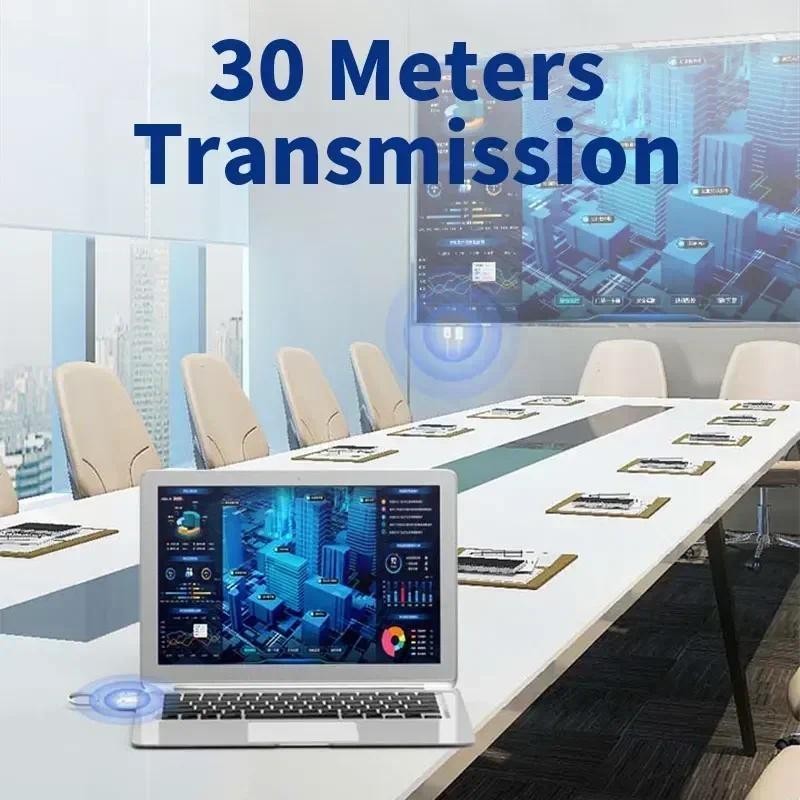
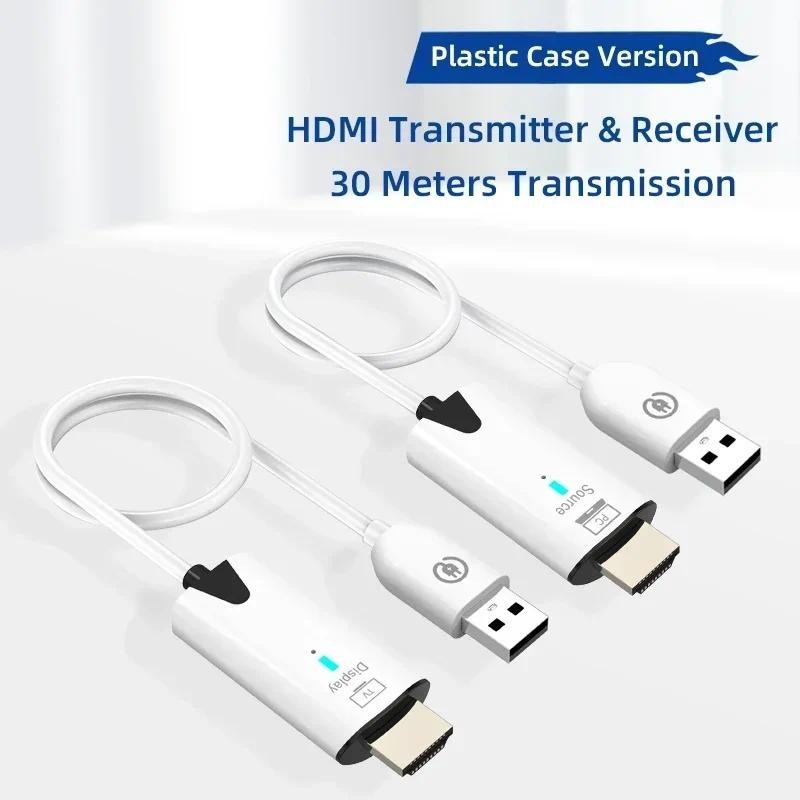
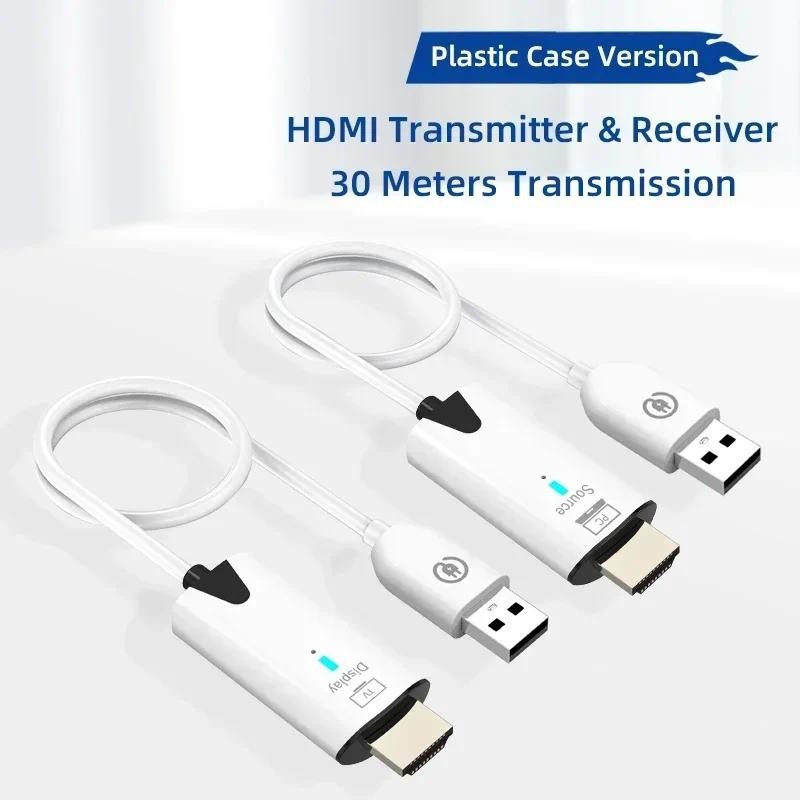
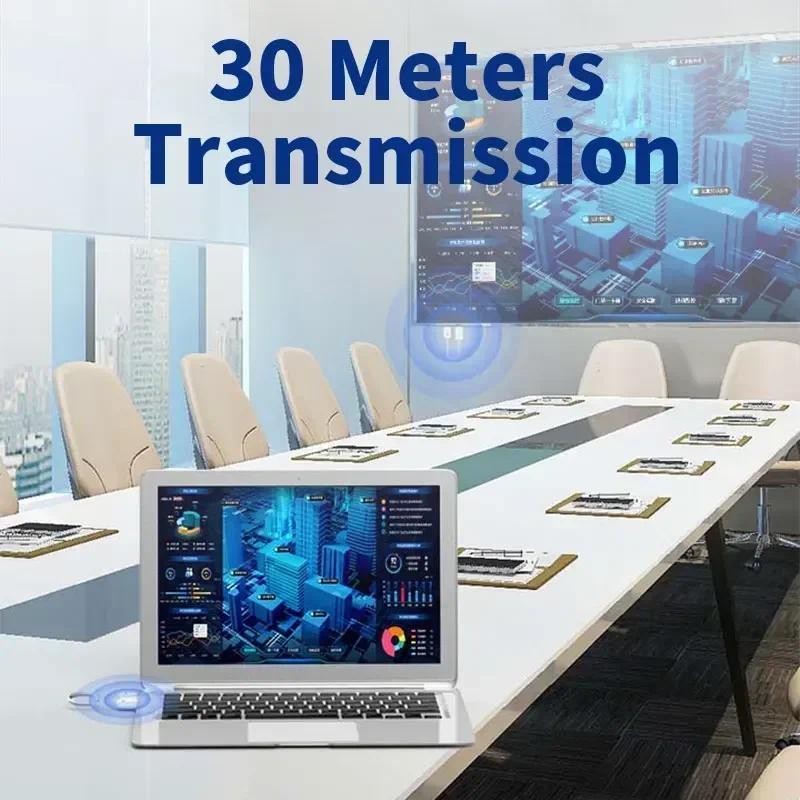
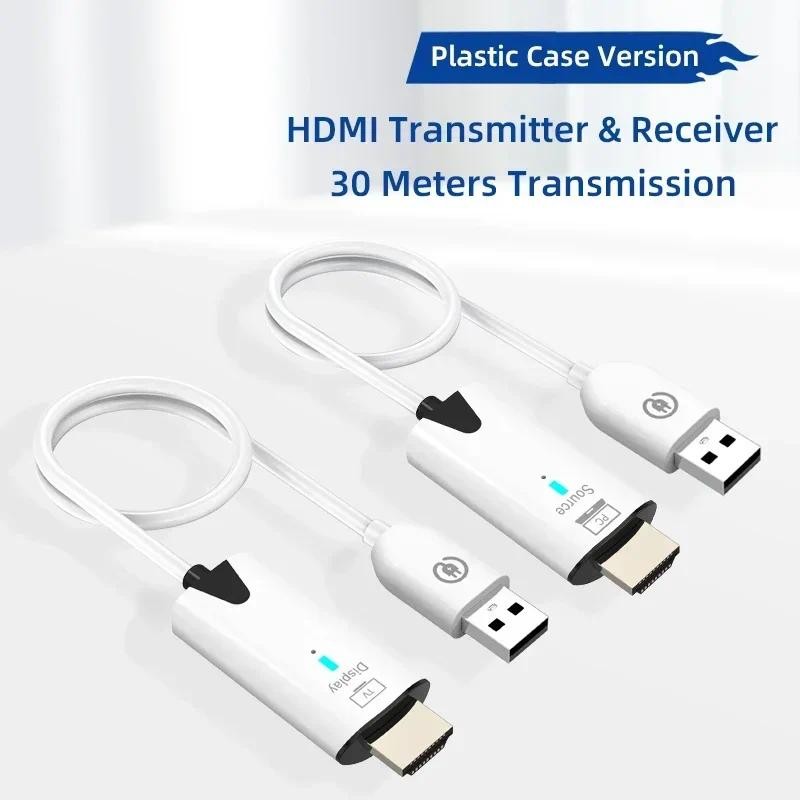
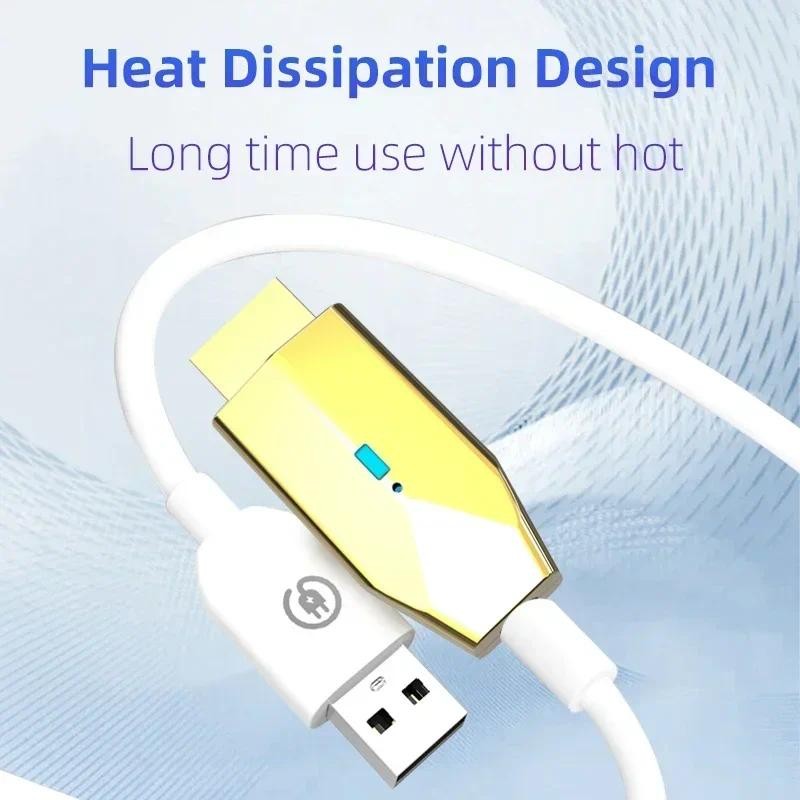
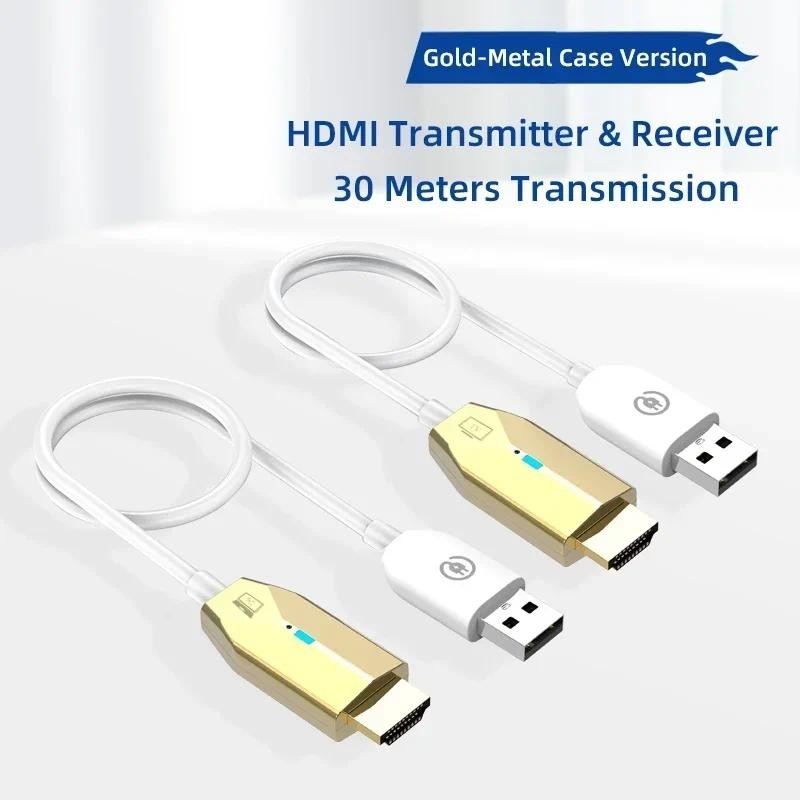
No need to install drivers, no need to set up plug and play, compatible with any system. Convenient to carry, can be on the same screen at any time, wireless network makes it suitable for more scenarios, making on-screen sharing easier Specifications Name: HDMI wireless transmitter&receiver Resolution: 1080P60Hz Transmitter interface: HDMI, USB power supply Receiver interface: HDMI, USB power supply Function: point-to-point wireless transmission Wireless frequency: 5.8G Interface: nickel plated Shell: ABS Cable length: about 60CM Wire diameter: about 3.5MM Delay: about 100ms Packing: carton Package 1*Transmitter 1*Receiver 1*Manual HDMI Wireless Transmitter&Receiver 30 Meters CS5: Main Features: 1. Transfer HDMI video and audio signals over long distances via WiFi, the longest distance can be up to 50 meters in open space. 2. Compatible with HDMI 1.4, 1.3 standards; 3. The HDMI wireless transmitter and receiver has the ability to automatically detect and configure different display modes 4. Built-in automatic equalization system to keep contents smooth, clear and stable; 5. Both the receiver/transmitter are with HDMI interface, no software, no setup, no driver required, just plug and play; Specification: Brand:VIKEFON Connectivity technology: HDMI Connector Type: HDMI Special feature: Miracast Resolution: 1920 x 1080 @ 60 Hz Supported Internet: Skype, Hulu, Nettflix, Amazon Instant Video, YouTube Compatible devices: Laptop Longest transmission distance: 50M Stable transmission distance: 30M Repairing Instructions: Both the wireless HDMI transmitter and the receiver were well paired before leaving the factory. If pairing fails, please repair it as follows: 1. Please press and hold the function button of the receiver with the included snap pin for more than 3 seconds, the interface will appear "Release the button to pair with EZCast TX", then wait for the transmitter to enter pairing mode. 2. Press and hold the function button of the transmitter with the included snap pin for more than 5 seconds, the indicator light flashes for pairing, wait for the transmitter indicator light to always light up, indicating that the pairing is successful. What you get: 1 x HDMI wireless transmitter 1 x HDMI wireless receiver Connection step 1 Connect the wireless display receiver to your screen and power it on(5V/2A). Connection step 2 Plug the transmitter to laptop,connect it to the power supply and wait for mirroring automatically.